

TOWER-ONE
Tenant portal
Give the operators on your towers their own view of each site: their equipment, the free and assigned space, and their requests, without a phone call or an e-mail chain.
Tenant portal at work
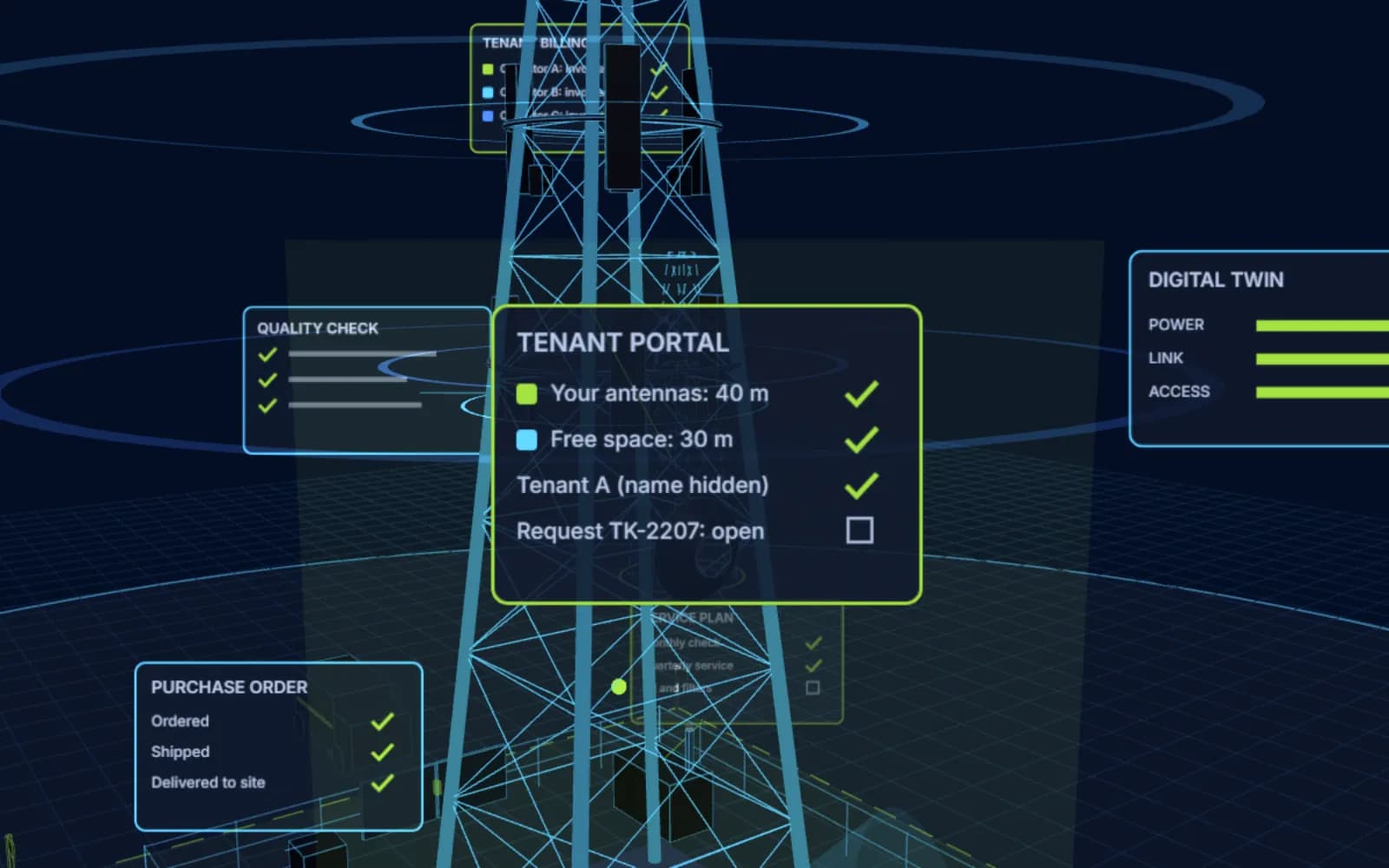
What a tenant sees for one site
How it works
From a tenant’s question to a ticket
A portal for each tenant
Each operator signs in to its own view: only its own sites, equipment and requests.
See your equipment
Antennas, radio units and cabinet space on every site, with their heights and details.
Check the space
The space assigned to you and the space still free on each tower, before you ask for more.
Other tenants, without names
Who else is on the site, shown as Tenant A, B and so on: useful for planning, private for everyone.
Send a request
New equipment, a change or site access: the request reaches the tower company as a ticket.
Follow it to done
The tenant sees the status of each request, while the tower company’s team works it in TOWER-ONE.
What tenants can do
Self-service for your tenants
Their equipment
Every antenna, radio unit and cabinet space they have on each site, with heights and details.
New requests
Requests for new equipment, changes or site access, sent from the portal and followed as tickets.
Available and assigned space
The space assigned to them and the space still free on the tower, before they ask.
Other tenants, without names
Who else is on the site, shown as Tenant A, B and so on: useful for planning, private for everyone.
Part of TOWER-ONE
The Tenant portal works on the same data as TOWER-ONE’s leases and tenant billing, so tenants and your team always see the same facts.